Hearing aids could benefit an estimated 28.8 million U.S. adults. Getting new hearing aids is an exciting experience. They collect and amplify sounds to help you understand speech and stay aware of your environment. In the first few weeks of wearing your devices, you might find that they sound a little off. One fun way to ease into treatment is to watch TV.
TV and Your Hearing Aids
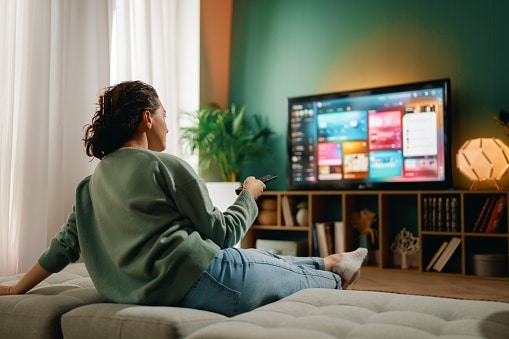
Watching TV, whether you like comedies, dramas or mysteries, is a great way to relax. It’s also a great way to help you get used to listening to sound through your hearing aids. The consistent dialogue and steady background noise can help you acclimate more comfortably and, over time, may even improve your speech comprehension.
If you’ve been living with untreated hearing loss for a long time, you might find that you struggle to understand speech initially. After you get your devices, watch a couple episodes of a TV show or a movie and try to focus on the dialogue. Turning on subtitles can also be helpful, allowing you to read along as you reacclimate to understanding speech.
Connecting Hearing Aids to Your TV
Your hearing aids can either pick up audio from your TV playing in the room or stream audio directly from the TV to your ears via Bluetooth®. How you pair your hearing aids with your TV depends on the manufacturer and the specific device. Some hearing aids use a TV adapter, while others will connect directly with the TV. Pairing your devices via Bluetooth will typically include these steps:
- Restart your hearing aids to put them in pairing mode
- Open the Bluetooth settings on your TV
- Click your hearing aids when they appear in the list of devices
If you prefer to watch TV on your phone, tablet or laptop, connecting your hearing aids to those devices follows the same instructions as above.
Connecting to a TV adapter will also vary depending on which adapter you’re using. Check the adapter manual for specific instructions.
Call Us With Questions
If you have any questions about your devices during the acclimation period or beyond, don’t hesitate to reach out to Today’s Hearing for help.